
How to Make Atmospheric Lighting in Blender
Whispers of anticipation for Volumetrics have been heard amongst the Blender community for a while now. Why?
Because it allows you to create stuff like smoke, fire, fog, haze or basically any material that fills the air.
And as of a couple of months ago, it was finally added to Cycles :)
In this Blender lighting tutorial you'll learn the basics of it, and how to use it to create a popular effect: Hazy Atmospheric Lighting, aka the "God ray".
Finished Result
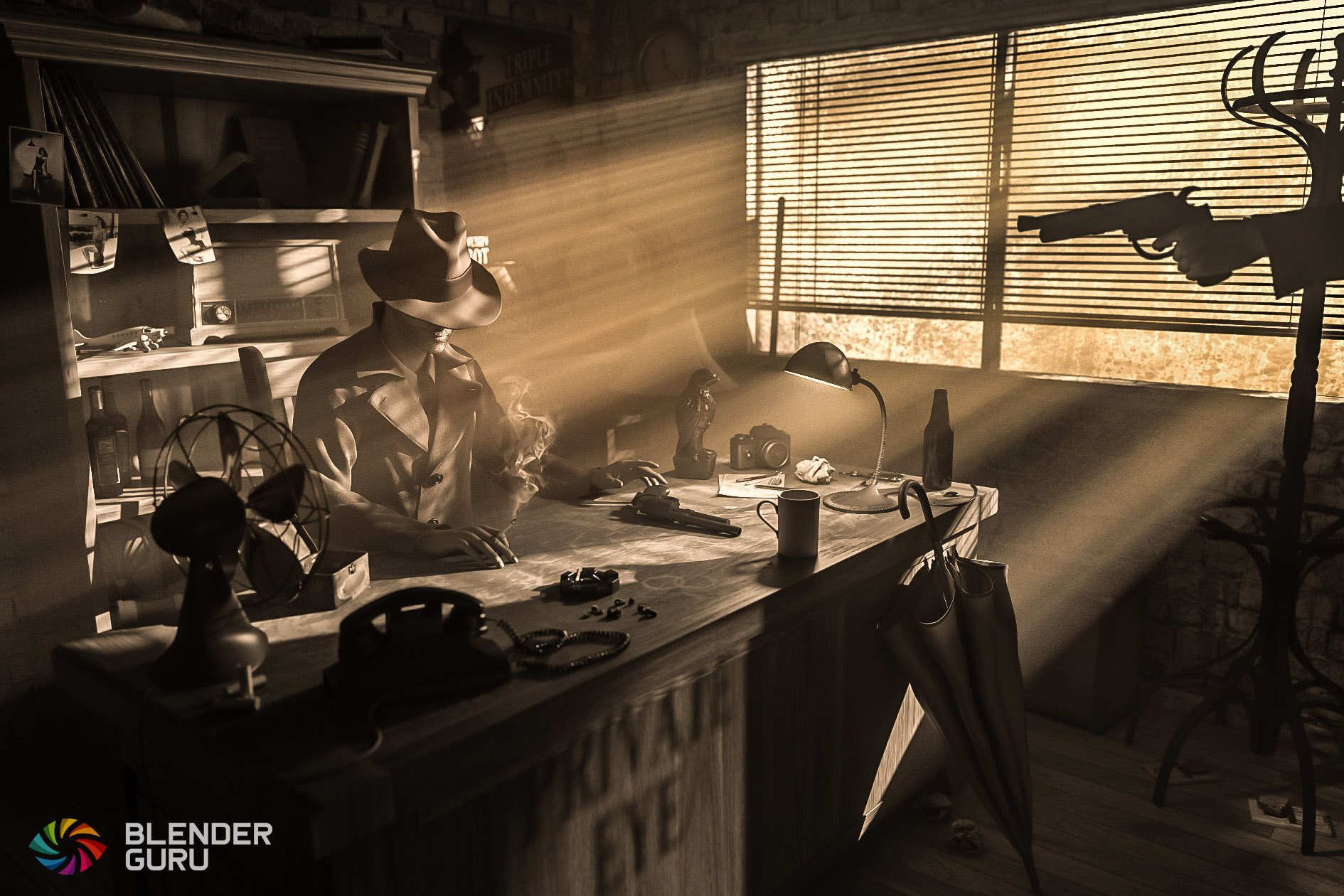
The tutorial covers the atmospheric lighting only but you can use it to create your own scene like the one above.